
I recommend Headless' video on projection painting:
http://wiki.blender.org/index.php/Dev:R ... tion_Paint
I based a slideshow on this - just flip through the jpg's yourself with picture viewer.
Here's what it looks like in game:
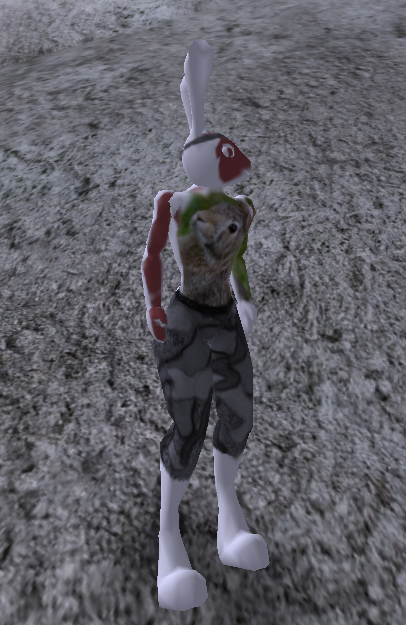
Here's the tut - just uncompress it:
http://dl.dropbox.com/u/8669312/paintMeTut.zip
Here's the C4 rabbit OBJ, and a modified import_obj for blender (put it in ~/scripts , wherever the import_obj.py original is - the script is not vital, just may help later):
